Should you wish to check where your Ads are showing on Google please use the below link to test keywords + location:
https://ads.google.com/anon/AdPreview
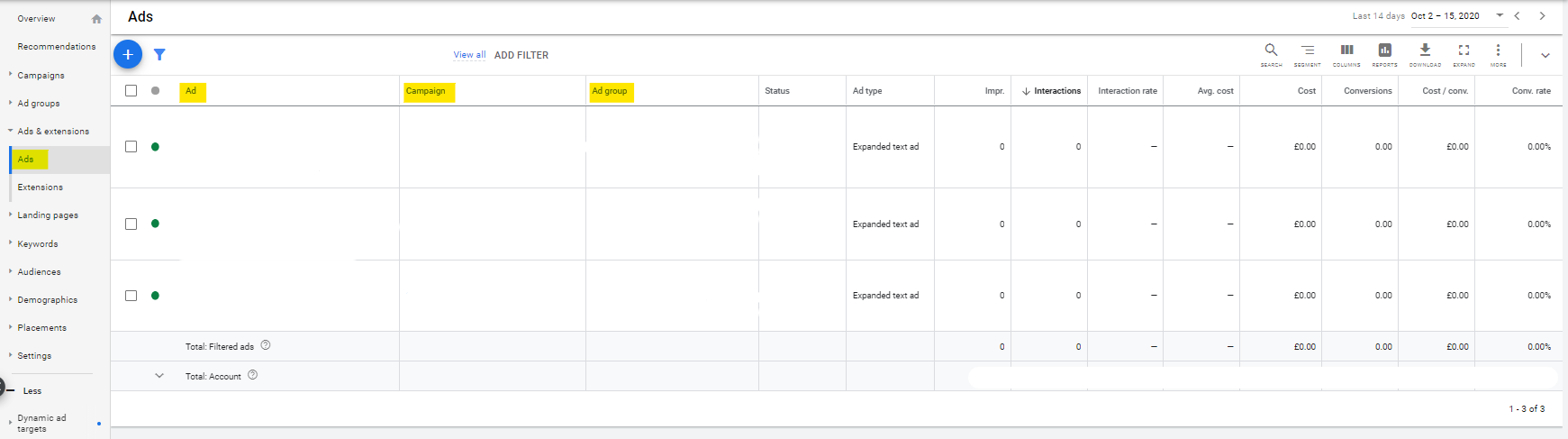
Once you have logged into the Ads account via ads.google.com or your Google Ads App, you can then check the Ads, please find below screenshots.
If you select the "All Campaigns" 3 dots, it will give you options to choose only Active Campaigns "All Enabled" or if you have any currently paused then select "All" for both Campaigns and Ad Groups.

Once selected, to view your Ads please access the below section:
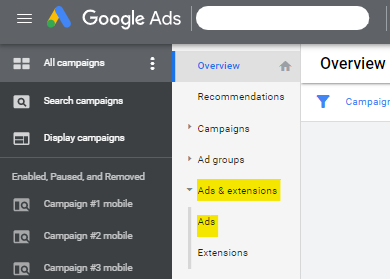
You will arrive this page, that will show all of your Ads that have been created for the Campaign - under the "Ads" column it will show the full Text that are involved per advert: